Creating a multilingual WordPress website has become essential in today’s interconnected world. With over 43% of the internet powered by WordPress and businesses expanding globally, the demand for multilingual solutions continues to soar. Whether you’re running a blog, e-commerce store, or corporate website, choosing the right translation plugin can make or break your international reach.

Distribution of WordPress Multilingual Plugin Types
Why Multilingual WordPress Websites Matter
The numbers speak volumes: WordPress supports 205 languages, yet 71% of WordPress content remains in English. This presents a massive opportunity for businesses willing to bridge language gaps. Studies show that 90% of internet users prefer browsing websites in their native language, making multilingual support crucial for user engagement and conversion rates.
Top 10 WordPress Multilingual Plugins
1. WPML (WordPress Multilingual Plugin)

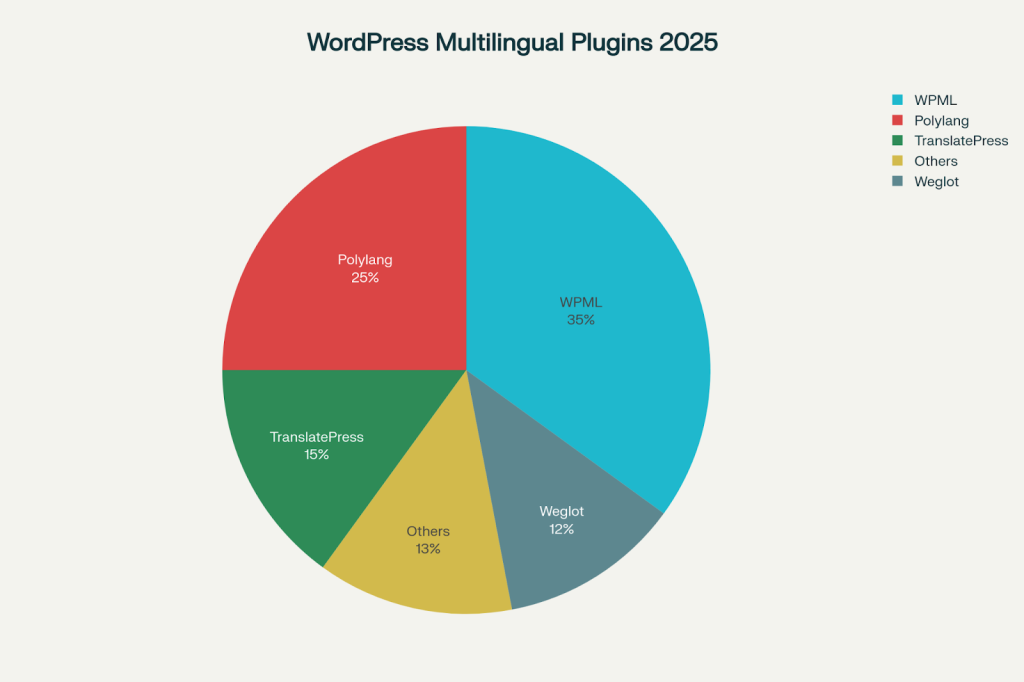
WPML remains the gold standard for professional multilingual websites, commanding 35% of the multilingual plugin market share. This premium solution offers comprehensive features that cater to enterprise-level requirements.
Key Features:
- Professional translation services integration with over 150 certified agencies
- Side-by-side translation editing for efficient workflow management
- Translation memory and glossary to maintain consistency across content
- Advanced WooCommerce support for multilingual e-commerce
- Automatic machine translation via Google, DeepL, and Microsoft Azure
Pricing: Starting at €39/year for the Multilingual Blog plan, with the comprehensive Multilingual CMS plan at €99/year.
Performance: WPML delivers a median load time of 0.707 seconds, making it one of the fastest multilingual plugins.
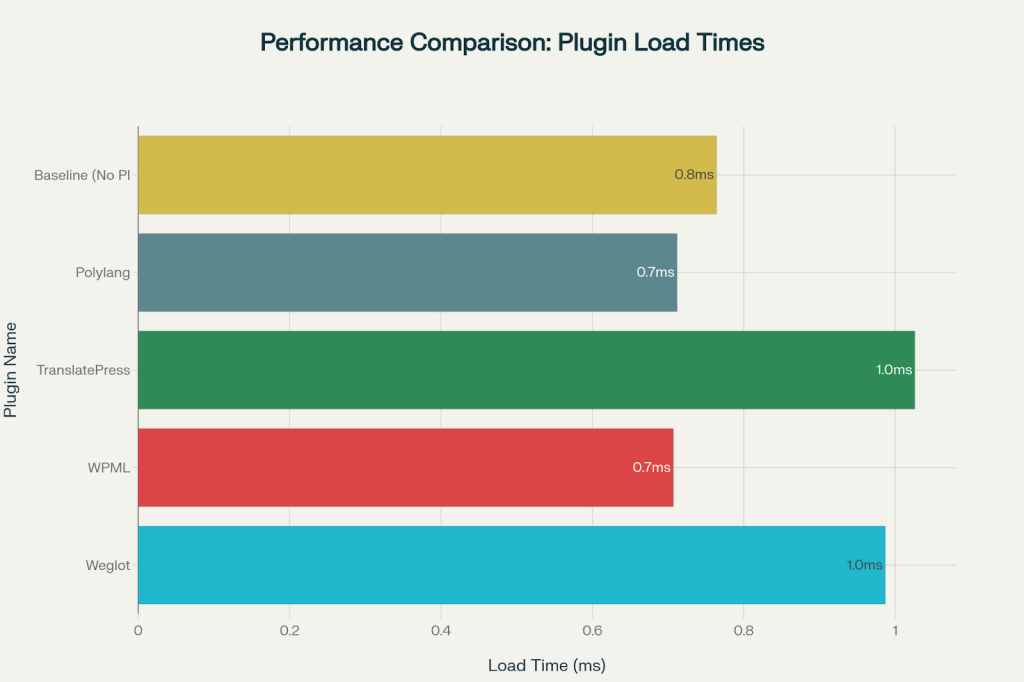
Performance Comparison of WordPress Multilingual Plugins by Load Time
2. Polylang
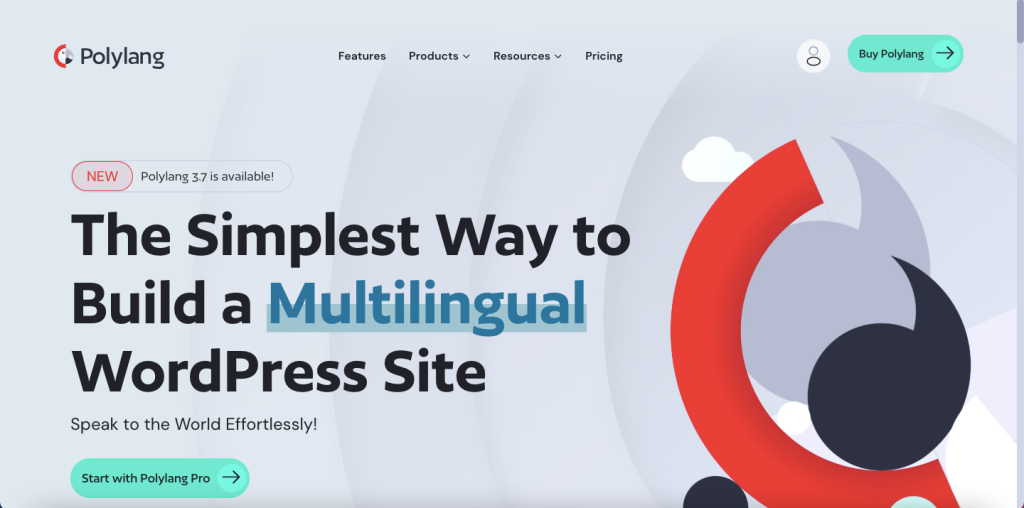
Polylang strikes the perfect balance between functionality and simplicity, securing 25% market share among multilingual plugins. Its freemium model makes it accessible to websites of all sizes.
Standout Features:
- Completely free core version with essential multilingual functionality
- Gutenberg and block editor compatibility for modern WordPress sites
- Automatic hreflang tag generation for better SEO performance
- Custom post type and taxonomy support for comprehensive site translation
- Excellent performance with minimal database impact
Performance Advantage: Polylang maintains the existing WordPress database structure, ensuring optimal site speed with a 0.712-second load time.

Ready to expand globally? Translate your WordPress site today.

Pooja Upadhyay
Director Of People Operations &
Client Relations
3. TranslatePress
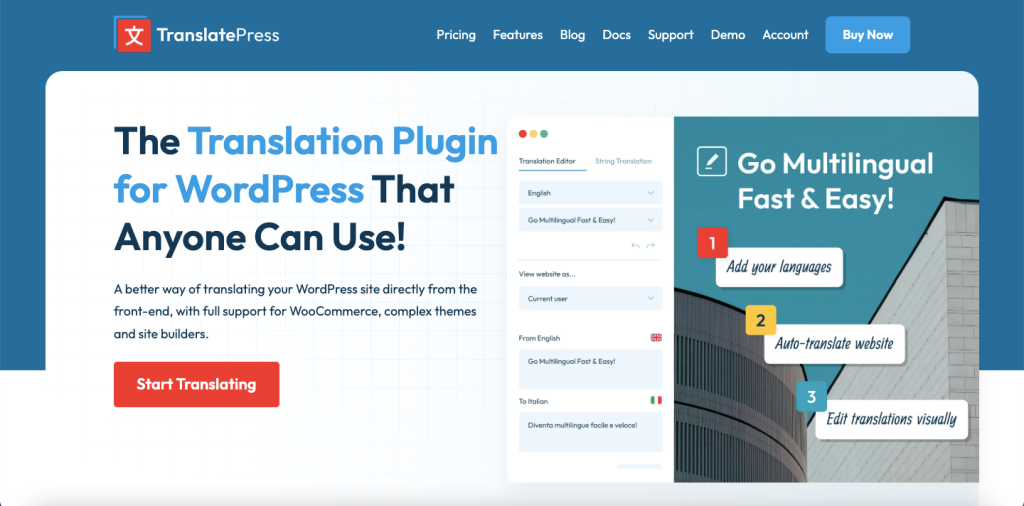
TranslatePress revolutionizes the translation process with its unique front-end editing approach, making it incredibly user-friendly for content creators.
Unique Selling Points:
- Live front-end translation interface allowing real-time content editing
- Visual translation editor where you see exactly what you’re translating
- Image translation capabilities for complete multilingual experiences
- Dynamic string translation for complex WordPress themes and plugins
- WooCommerce full compatibility including checkout processes
Pricing: Free version available, with premium plans starting at €89 annually.
4. Weglot
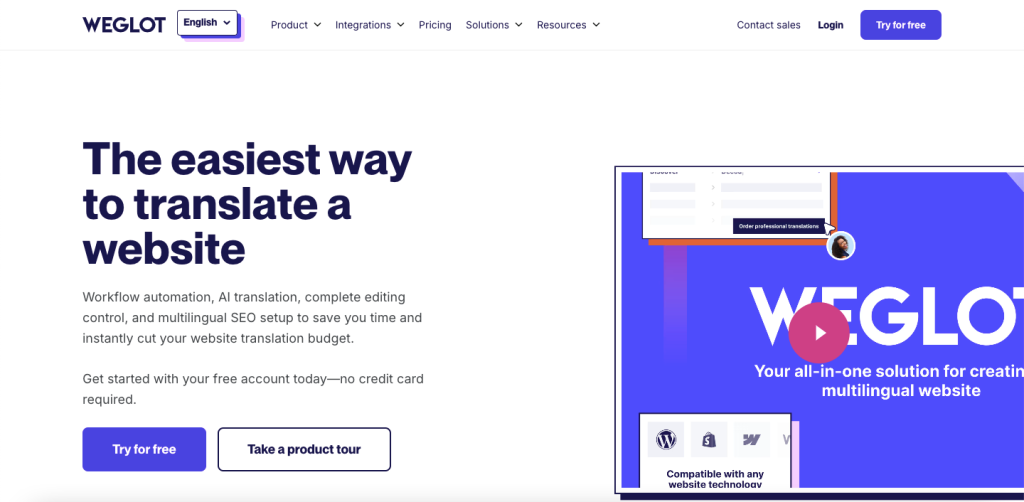
Weglot represents the future of automated translation, leveraging cloud technology to deliver instant multilingual capabilities with minimal server impact.
Revolutionary Features:
- 2-minute setup time with automatic site-wide translation
- Cloud-based architecture that doesn’t slow down your website
- Visual in-context editor for seamless translation management
- Professional translator collaboration tools for high-quality content
- 100+ language support with advanced neural translation
Performance Excellence: Despite comprehensive features, Weglot maintains excellent performance with zero database burden.
Pricing: Plans start at €9.99/month for basic multilingual functionality.
5. MultilingualPress
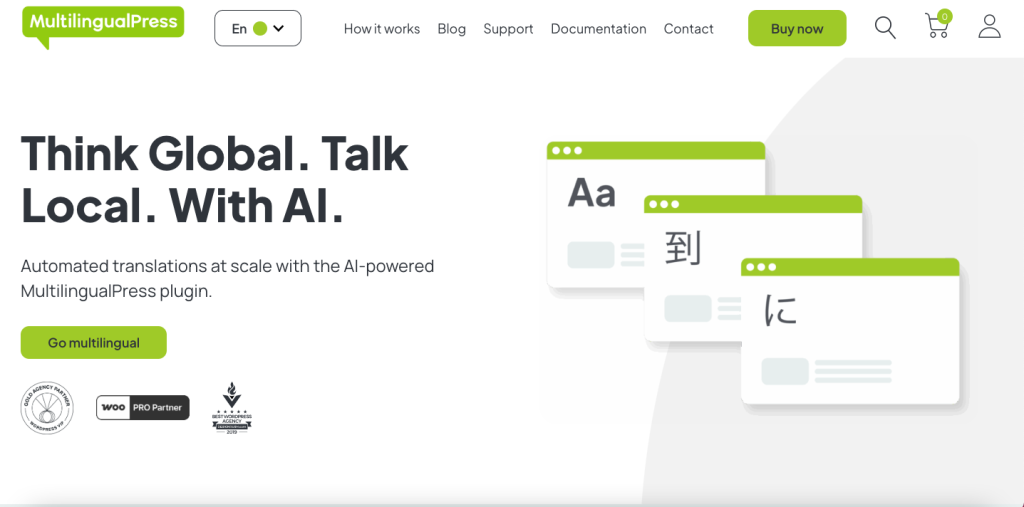
MultilingualPress takes a unique multisite approach, creating separate WordPress installations for each language while maintaining seamless interconnectivity.
Advanced Architecture:
- 174+ language support with dedicated domains per language
- No data loss risk – uninstalling doesn’t affect existing sites
- Network-based management for complex multilingual projects
- SEO-optimized URLs with automatic hreflang implementation
- Enterprise-grade scalability for large organizations
Investment: Premium pricing starts at $199/year, reflecting its enterprise focus.
6. GTranslate
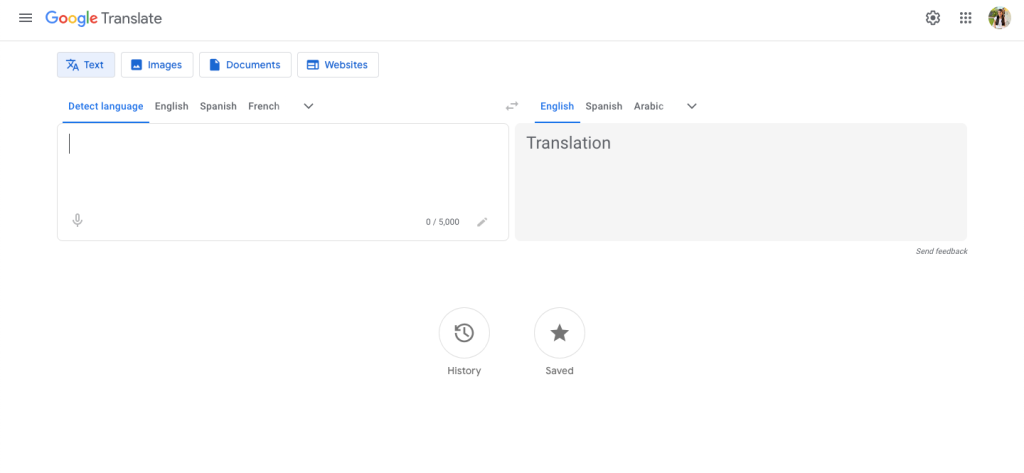
GTranslate democratizes website translation by harnessing Google Translate’s power, making multilingual functionality accessible to budget-conscious website owners.
Core Advantages:
- 103 language support covering 99% of internet users
- Completely free basic version with Google Translate integration
- Cloud-based translation that doesn’t impact server performance
- Multiple display styles including flags, dropdowns, and floating selectors
- Automatic language detection based on visitor browser settings
SEO Benefits: Premium versions include search engine indexing and hreflang tag support.
7. WPGlobus
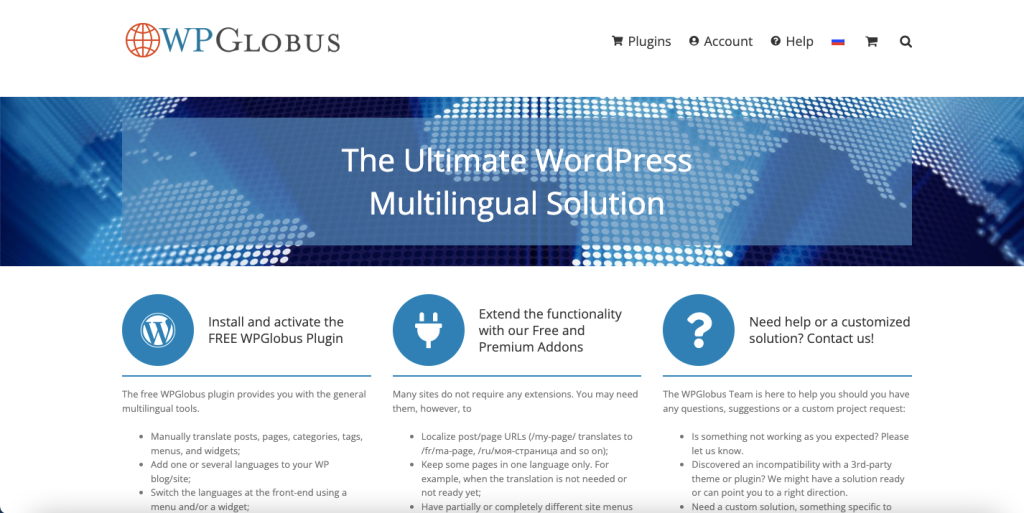
WPGlobus focuses on simplicity and user experience, making multilingual website management accessible to non-technical users.
User-Centric Features:
- Intuitive interface praised by users as the most beginner-friendly
- Manual translation focus ensuring complete control over content quality
- Gutenberg and WPBakery compatibility for modern page building
- Custom language switcher options with flexible display configurations
- No automatic translation – emphasizing human-quality content
Important Note: WPGlobus stores translations in a special format that requires careful migration if switching plugins.
8. Loco Translate
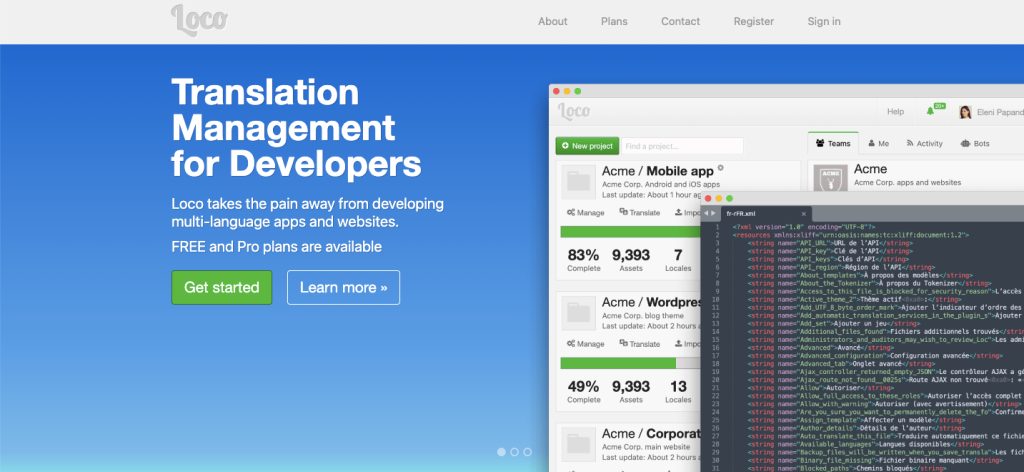
Loco Translate serves as the developer’s choice for translation file management, offering professional-grade localization tools within WordPress.
Developer-Focused Features:
- In-browser PO file editing with syntax highlighting
- Integration with major translation APIs including DeepL and OpenAI
- String extraction from source code for theme and plugin translation
- Backup and version control for translation files
- 1M+ active installations proving its reliability
Perfect For: Developers, agencies, and technical users who need granular control over translation files.
9. qTranslate-XT
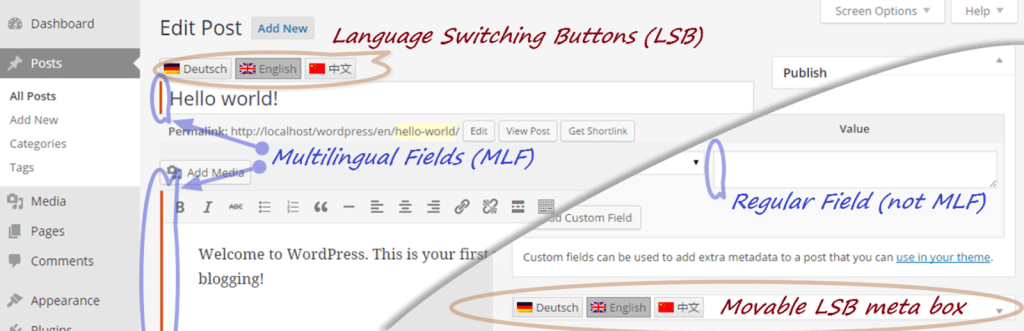
qTranslate-XT represents the community-driven evolution of the popular qTranslate plugin, maintaining its legacy while adding modern compatibility
Legacy Strengths:
- Inline editing capabilities for efficient translation workflow
- Community maintenance ensuring ongoing compatibility
- SEO-friendly implementation with proper hreflang support
- Lightweight performance with minimal server impact
- Free and open-source with GitHub-based development
Considerations: Available through GitHub rather than WordPress.org repository, requiring manual installation.
10. Translation Stats
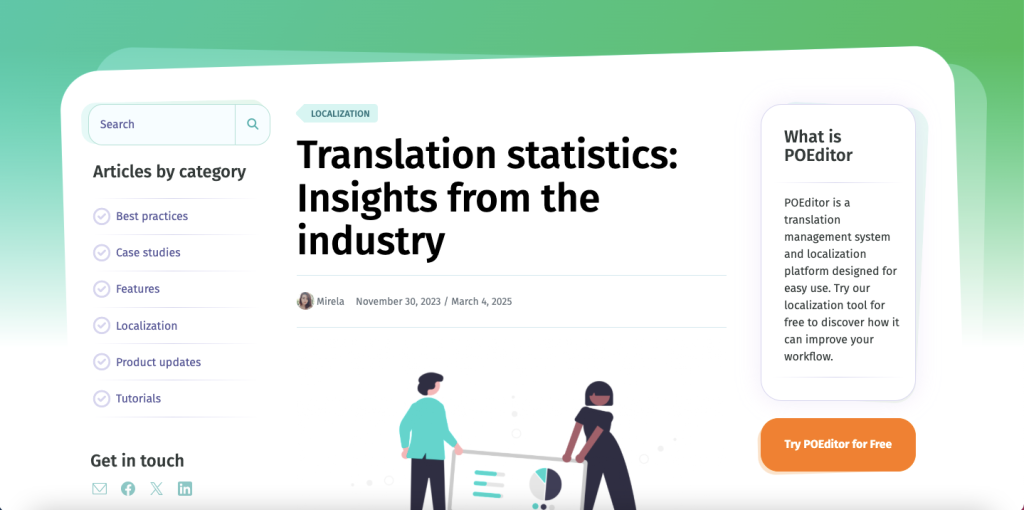
Translation Stats fills a unique niche by providing transparency into WordPress plugin localization efforts, making it invaluable for developers and translators.
Specialized Functionality:
- Translation progress tracking for WordPress.org plugins
- Developer insight tools showing localization readiness
- Integration with WordPress.org translation platform
- Color-coded progress indicators matching GlotPress standards
- Essential for plugin developers maintaining multilingual compatibility
Performance Comparison Analysis
Recent performance testing reveals significant differences among multilingual plugins:
Speed Champions:
- WPML: 0.707 seconds median load time
- Polylang: 0.712 seconds median load time
- Weglot: 0.987 seconds despite cloud processing
- TranslatePress: 1.026 seconds with visual editing overhead
Resource Efficiency:
- Polylang and Weglot minimize database queries (4 each)
- WPML requires more database interactions (16 queries) but maintains speed
- Page size impact varies from 79KB (Polylang) to 138KB (Weglot)
Market Share Distribution of WordPress Multilingual Plugins in 2025
Choosing the Right Plugin: Decision Matrix
| Use Case | Recommended Plugin | Why |
| Enterprise/Corporate | WPML | Professional services, translation memory, comprehensive support |
| Budget-Conscious Sites | Polylang (Free) | Full functionality without cost, excellent performance |
| Quick Setup Priority | Weglot | 2-minute installation, automatic translation |
| E-commerce Stores | WPML or TranslatePress | WooCommerce optimization, product translation |
| Developer Projects | Loco Translate | Complete control over translation files |
| Content-Heavy Sites | TranslatePress | Visual editing, front-end translation interface |
| Multisite Networks | MultilingualPress | Dedicated approach for complex architectures |
| Google Translate Integration | GTranslate | Leverage Google’s translation power cost- effectively |


 Level Up With AddWeb
Essential Implementation Considerations
SEO Optimization
Most professional plugins handle hreflang tags automatically, but ensure your chosen solution supports:
- Language-specific URLs (subdirectories or subdomains)
- Meta description translation for search snippets
- Sitemap generation for multilingual content
- Schema markup localization for rich results
Performance Impact
Consider these factors when selecting a plugin:
- Database structure changes (WPML creates new tables vs. Polylang maintains structure)
- Caching compatibility with your hosting environment
- CDN integration for global content delivery
- Mobile optimization for international audiences
Content Strategy
Plan your multilingual approach:
- Translation workflow (manual vs. automatic vs. hybrid)
- Content localization beyond mere translation
- Cultural adaptation for different markets
- Maintenance processes for ongoing updates
Future-Proofing Your Multilingual Strategy
The multilingual WordPress landscape continues evolving. WordPress core multilingual support is planned for Gutenberg Phase 4, potentially arriving in 2026-2027. Until then, these plugins remain essential tools for international website success.
Emerging Trends
- AI-powered translation improvements with ChatGPT integration
- Cloud-based solutions reducing server load
- Visual editing interfaces streamlining content management
- Professional service integration for quality assurance
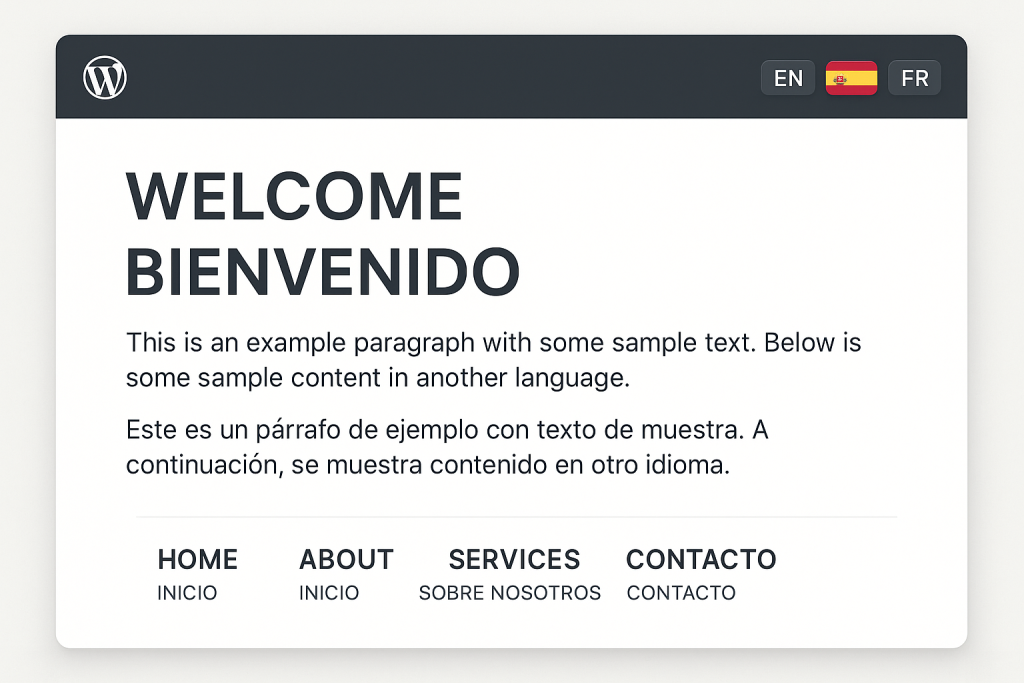
WordPress multilingual website with language switcher interface
Making Your Decision
Success with multilingual WordPress sites depends on matching plugin capabilities with your specific requirements. Consider your technical expertise, budget constraints, content volume, and performance priorities when making this crucial decision.
Whether you choose the comprehensive power of WPML, the balanced approach of Polylang, the innovative interface of TranslatePress, or the automated convenience of Weglot, each plugin offers unique advantages for specific use cases.
The global digital marketplace rewards websites that speak their audience’s language. With these powerful multilingual plugins, breaking down language barriers and expanding your international reach has never been more achievable. Choose wisely, implement thoroughly, and watch your global audience grow.
Source URLs:
- https://translatepress.com/polylang-vs-wpml-comparison/
- https://wordpress.org/plugins/gtranslate/
- https://wordpress.com/plugins/gtranslate
- https://wordpress.org/plugins/wpglobus/
- https://wordpress.com/plugins/loco-translate
- https://wordpress.org/plugins/loco-translate/
- https://translatepress.com/loco-translate-plugin-tutorial/
- https://github.com/qtranslate/qtranslate-xt
- https://wordpress.com/plugins/translation-stats
- https://wordpress.org/plugins/translation-stats/
- https://translationstats.com
About the Author: Mahima Dave is a Client Account Manager at AddWeb with 5+ years of experience in WordPress and client relationship management. She has been actively involved in the WordPress community through contributions and events, while also excelling at building strong client connections, ensuring seamless communication, and driving project success.